Monday, 29 August 2011

Foxton Artwork


I am prepping myself to get all the artwork done for Foxton which is in 3 weeks.  I have been anxious that I am not going to  have enough artwork for the 2 day event.  I am also going to be putting my artwork on www.scrapartjournal.co.uk which will be available for sale.  All artwork is original unless otherwise stated.

Saturday, 2 July 2011

Digital Mixed Media

Digital Mixed Media
I created this image by switching between Illustrator, Photoshop and Artrage to achieve this look, I am trying to aim for a more real painted look than a digital one, as I do like the grungy look that is achieved when mixing wet paint.

I am setting myself a target to try and get this right.

Thursday, 30 June 2011

I went down to the woods today ........

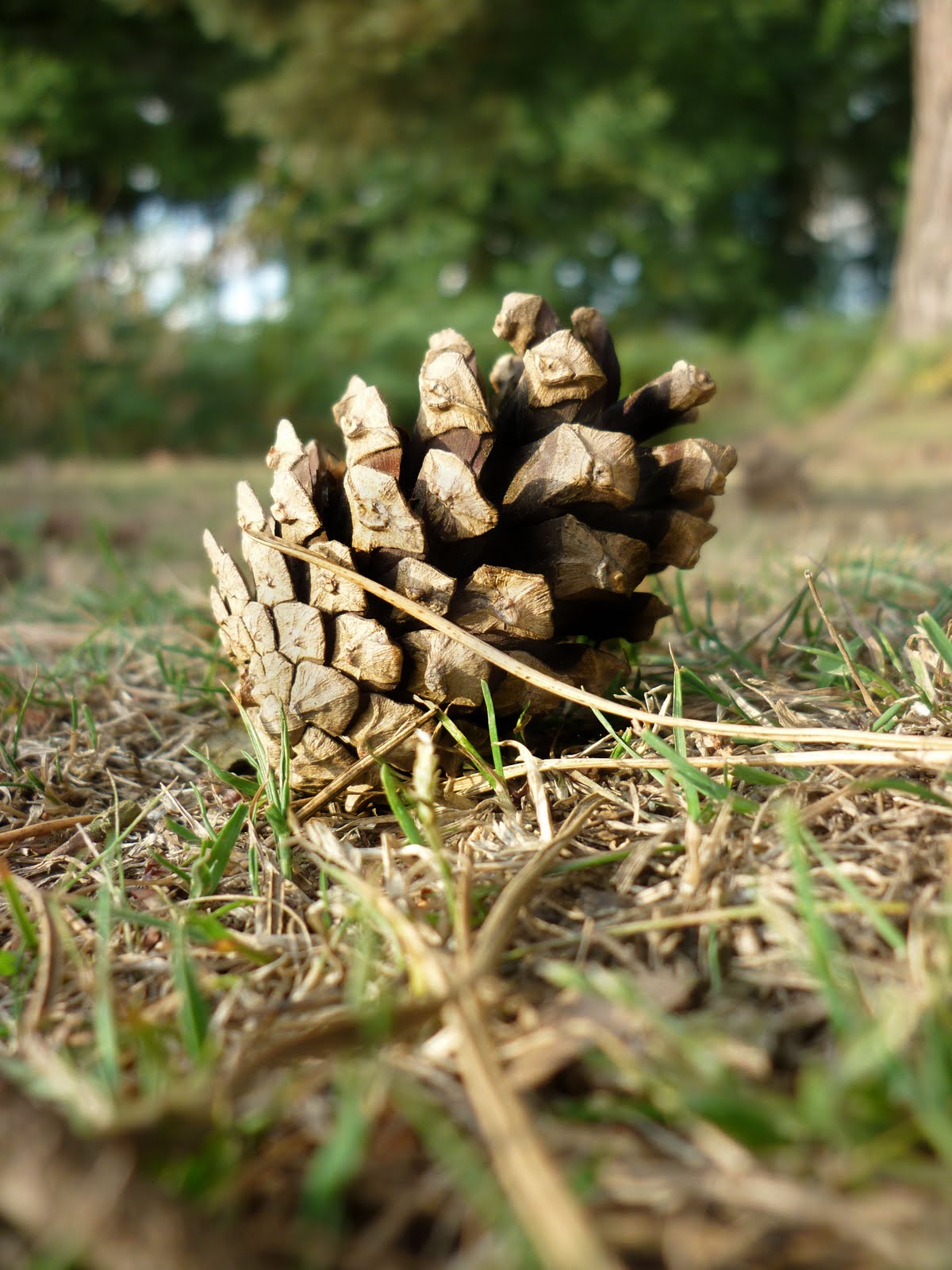
My other passion which I  don't give enough time to is my photography, being the gypsies that we are, every day we discover a new walk and push our boundaries  to discover a new and unexplored walk.  This evening was no different as we set off for a walk round the Sandy repeater, nearing the end of our journey we came to a small but deep wood on the edge of a working quarry.  So out came the trusty camera  and these are just a few of my best images I am sharing:


my tall skinny tree facebook didn't like!


Sunday, 26 June 2011

Digital painted folk art faces painted in Photoshop

As you know we have become gypsies living in a big American RV, so to say that space  and weight are big factors when thinking creatively is only just a slight exaggeration.  So really for me its become a necessity to find another way of getting my art out of my head.
if I have to be critical then I have to say the hair needs working on with this digital  collage.

I am still deeply inspired by  wonderful women like Kelly Rae Roberts, Willowing and of course Suzi Blu .

 Getting the shading right is crucial to the digital collaged face working
 fairy wings, I do so love them

 who says hair can't be other colours??
 oops! didn't mean for her lips to come out so massive

I have been searching the internet high and low for some digital face painting techniques for either Photoshop or Artrage, sadly they are so far and few between, Youtube has not been forthcoming, its almost like the perfect Photoshop digital folkart painting tutorials that I would love to be able to access are just not there.  Which of course leads me to wonder if people like my digital art, would they be prepared to pay for some lessons?  I am confident that the Photoshop Element users would not loose either.  If I can get enough interest in this then the videos I have already created would be available for downloading.

Saturday, 18 June 2011

Gypsy Life

I love my gypsy lifestyle, I don't miss bricks and mortar at all.  Today we are on a gorgeous field, there is nothing like the sound of rain, reminds me of the zinc roofs  in Africa that clatter and make one awesome racket.  Tomorrow I have a stall down in Berkhampstead.  This is my second time back there, this time I feel more organised in terms of having stuff to sell.    I realised that you need smalls to cover your table and travel expenses and having cards, and microscope glass pendants as well as craft cd's help cover this initial outlay.  Last week we bought a whole load of assorted sized picture frames which I have been filling up with my digital collaged artwork which I am adding to my range of products.

I've managed to achieve this by working both in Artrage and Photoshop making use of both of the features these programs have.

Wednesday, 15 June 2011

Finally !!! the Penny has dropped

I hadn't picked up Bamboo tablet in well over a year, and what a shame I just left it in the draw.  As we are now full time wanders, space is really a premium so you can imagine my delight at working between Artrage and Photoshop to produce  some amazing digital artwork that looks like its been painted.  So happy days for me.

Printing it onto the right paper is the key to the final success of the printed images.

Sunday, 27 March 2011

An experiment

I decided to try and make a new piece of art using 3D flowers I made and coloured as well as trying to do something different with her face.

Sunday, 6 March 2011

Monmouth Woman's Festival

I was lucky enough to be able to get a stall at Monmouth Woman's Festival along with some very talented artists.  For me this was a first, I've never sold my art before, always giving away to family and friends.  What a wonderful experience it was, feed back from everyone who came and had a look at the art was so positive.  I shall be busy getting new pieces other.  This was my stall over the weekend.


Monday, 28 February 2011

Kelly Rae Roberts inspirational pieces

I've been on a year long journey with the faces I have created, and the textures I have played with.  Along the way I have been inspired by many different artists especially those who's love was mixed media, but one stands out in particular and that is Kelly Rae Roberts, I just love the grunginess of the backgrounds today I put the final touches to my work and for the first time ever I am well and truly proud of where I have landed.


Wednesday, 26 January 2011

A Whole VIllage

A whole village hand painted and scanned.  These would be ideal for  your art journal or scrapbook.


Tuesday, 25 January 2011

Journal houses

I painted some houses on paper I had already prepared for one of my journals,  I just love how you can see the texture close up and the grungy look is soooooo nice.

Monday, 24 January 2011

Faces

As you can see I have been busy, I've been trying new faces and overall I am pleased with them, these are well and truly done!


Monday, 17 January 2011

Creating a digital stamp

How to create a digital stamp from an image


  1. Open an image with strong lines or shapes.
  2. Double click on your Background layer. Click on OK to convert it to Layer 0.
  3. Select Image, Adjustments, Brightness/Contrast. Adjust the sliders Brightness to the left and Contrast to the right, until you have kind of a sharp image.
  4. Now, select Image, Adjustments, Threshold. Your image will look black and white, move the slider that controls the Threshold to adjust it.
  5. From the Toolbox, select the Magic Wand and click on any white area of your image, that would select all the white. Now press the Delete key. Your image will keep the black with a transparent background.
  6. Select Image, Image Size… and resize your image to no more than 4 inches.
  7. Now it’s time to create a brush based on this image. Select Edit, Define Brush Preset..., give it a name and click OK.
  8. Remember to save your Brush by clicking the arrow that is pointing down next to your brush on the Toolbar. Then, click on the double arrows pointing to the right and choose Save Brushes.
  9. You can use this brush or digital stamp as many times as you need it.
Final result

Friday, 24 December 2010

My Dad

Earlier this week we got some devastating news that our beloved Dad has passed away.  Nothing in the world prepares your for this, and I am not prepared.  I now have to prepare myself  for a flight to Africa - which I am not looking forward to because flying frightens me to death!    And in general I do not like funerals so this is more than a double whammy for me.  I am trying had hard not to think to much about any of it.  

I'm also planning an order of service for my dad which I want to take with so I don't have to try and find a printer there.   Now just trying to go through the motions of Christmas.   

Saturday, 11 December 2010

Creating headers

With typography fixed firmly in the back of my head, I decided to create my own typed headers.  I've learned so much about these letters and the history behind them.  Its easy to bang some letters together, its much much harder to fiddle around with the spacing, and I'm not talking about the spacing that our computers automatically use.  I'm taking about using InDesign and making sure that you pull some letters closer together and push some further out, the weight of the letter is also important.  Anyway enough of the lesson .

Monday, 6 December 2010

Summer

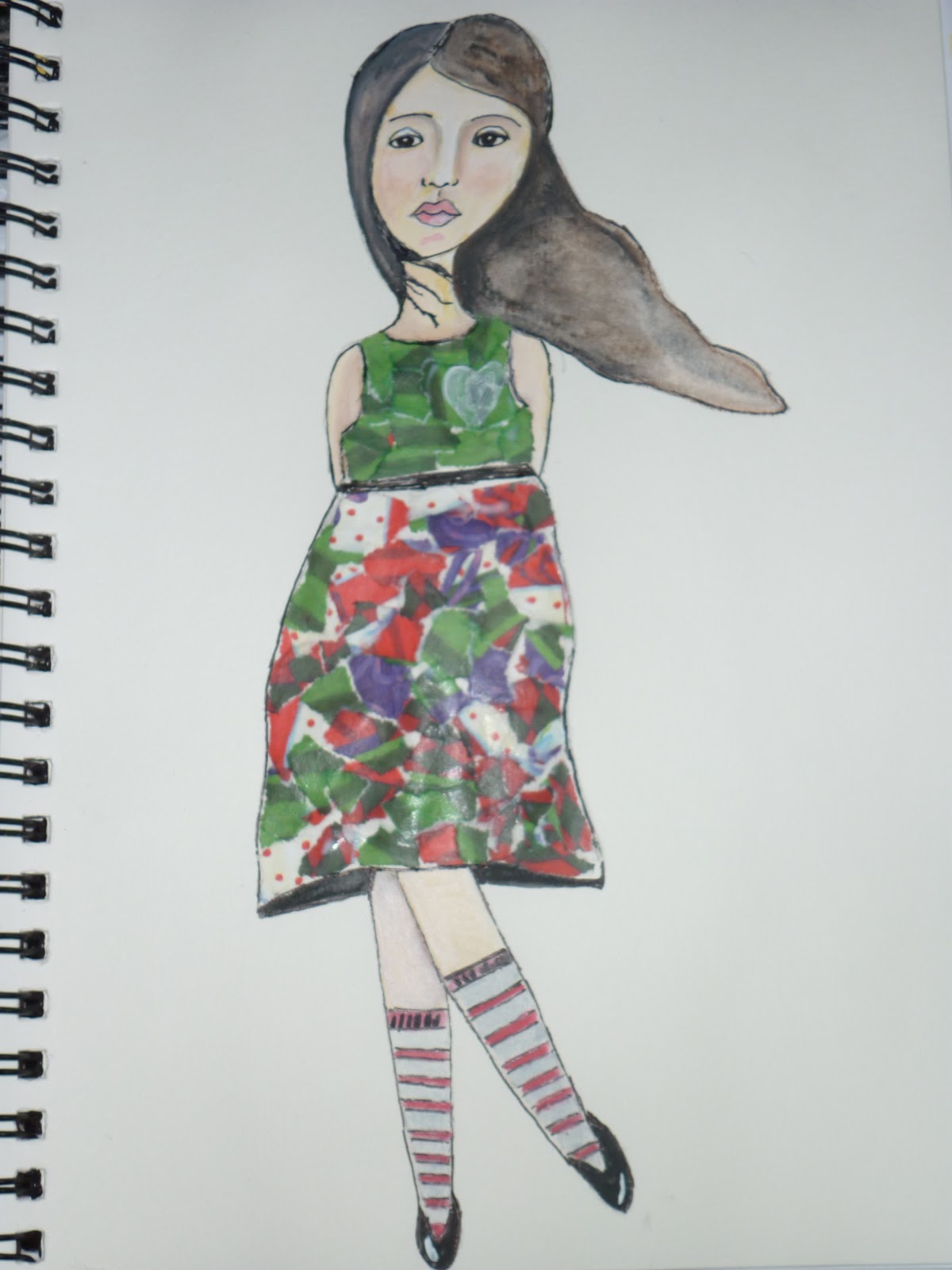
This is Summer  and another mixed media image I have created,  she is really nice and brightly coloured.  I've been thinking that I would l love to be able to offer a mixed media workshops teaching this wonderful relaxing art.   Not sure if anyone would actually like to do this though.  She has been created using acrylics, pastel pencils, and collage bits.

Faces

I am having this urge at the moment to paint, paint, paint, when I was at college I was urged to persue my collage work, but really struggled with this  for a long time.  Maybe it was burnout, I don't really know, but I just could not get into it.    So now I am armed with a small A5 sketch book which is so much easier to have around than a big canvas and of course the piece is done in minutes.  This is  my master piece, I am so proud of this one.  It dawned on me the other day just how connected to art I actually am.  I'm doing a two year HND Graphic Designer course and I am hoping that I am going to  be able to put my newly learnt skills to good use and market myself a little better than I have been.  In the mean time I am carrying on with my passion which is creating collaged faces.  Kelly Rae Roberts has truly inspired me.


Monday, 4 October 2010

It's not about faces today

I decided today was all about scrapbooking and making pages.  I nicked one of sister-in-law's photo's of my adorable  little niece and take her out of the photo completely and put her somewhere else.  This image was really great because she appeared to be focusing down.


I have loads of embellishments and backing papers ( all digital) gleaned from many different sources so I decided to create my own little fantasy place for a gorgeous little princesses.

So here is my gorgeous niece looking into a mysterious pond filled with fairy lights!

Sunday, 3 October 2010

Err ummmm

I am trying really hard to get the blending looking a little more cheerful and bright(as in colour)  I am also thinking of offering  some painting face workshops in our area where people can come and have some fun, hopefully not just learning how to draw and paint faces, but how to create other things like scrapbooks, journals  etc.  Hopefully someone out there likes what I do.  In the meantime I am going to see if I can get a video uploaded.


 This is a big improvement on some of  faces I made right at the start of my journey

Saturday, 2 October 2010

Circus RollerMan

I decided to step away from my faces and do a lightly different illustration, I've called this one Circus Roller man, and of course he is purely fantasy and a bit whimsical.